How Do I Add new Campaigns?
Posted on 2024-02-29 Updated on 2024-03-04To add a new campagn, Follow the steps below:
1. Sign in to the ForceMailer Dashboard (if you haven't already done so).
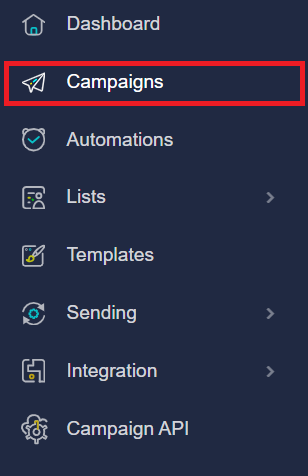
2. In the left-hand navigation dashboard, click on the Campaigns.
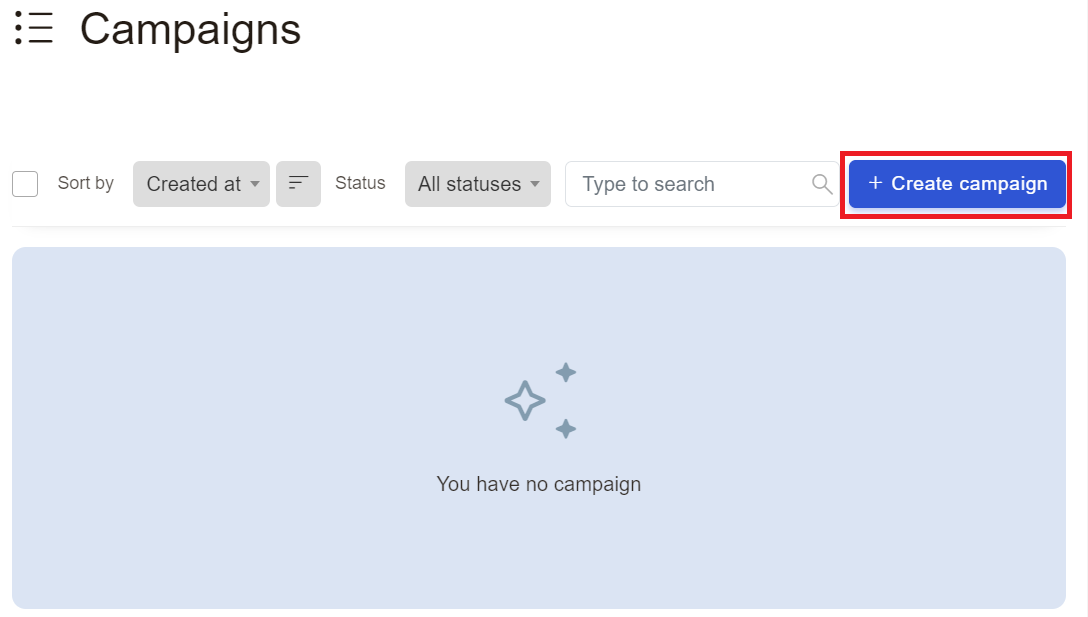
3. Next, click Create Campaign button
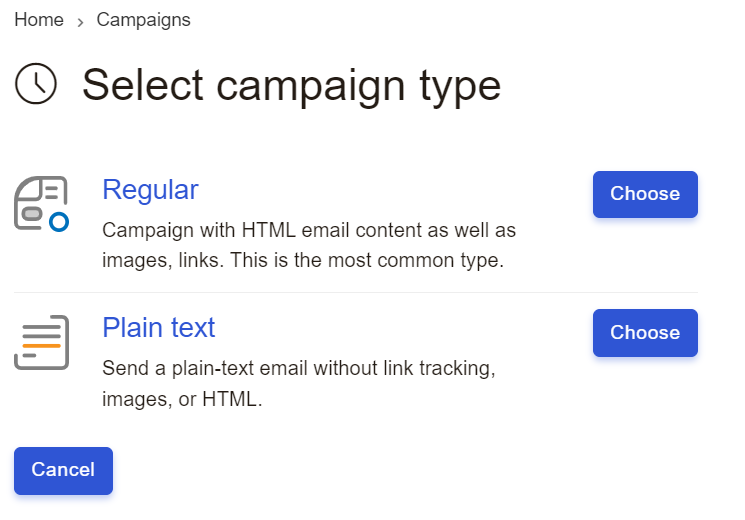
4. Next, Select campaign type. There are two types of campagns:
- Campaign with HTML email content as well as images, links. This is the most common type.
- Send a plain-text email without link tracking, images, or HTML.
5. Next, select List name in the options, and click Save & Next
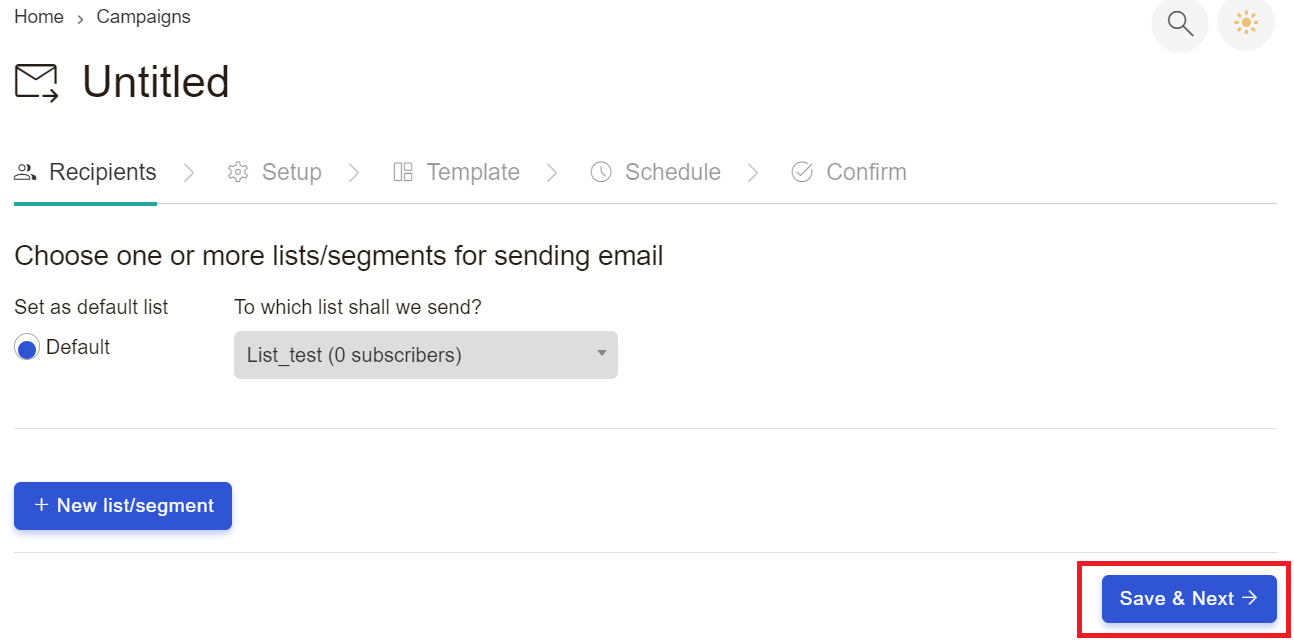
6. Finally, complete all steps: Setup, Template, Schedule and comfirm.
Found this article helpful?
[ 33 Out of 68 Found Helpful ]